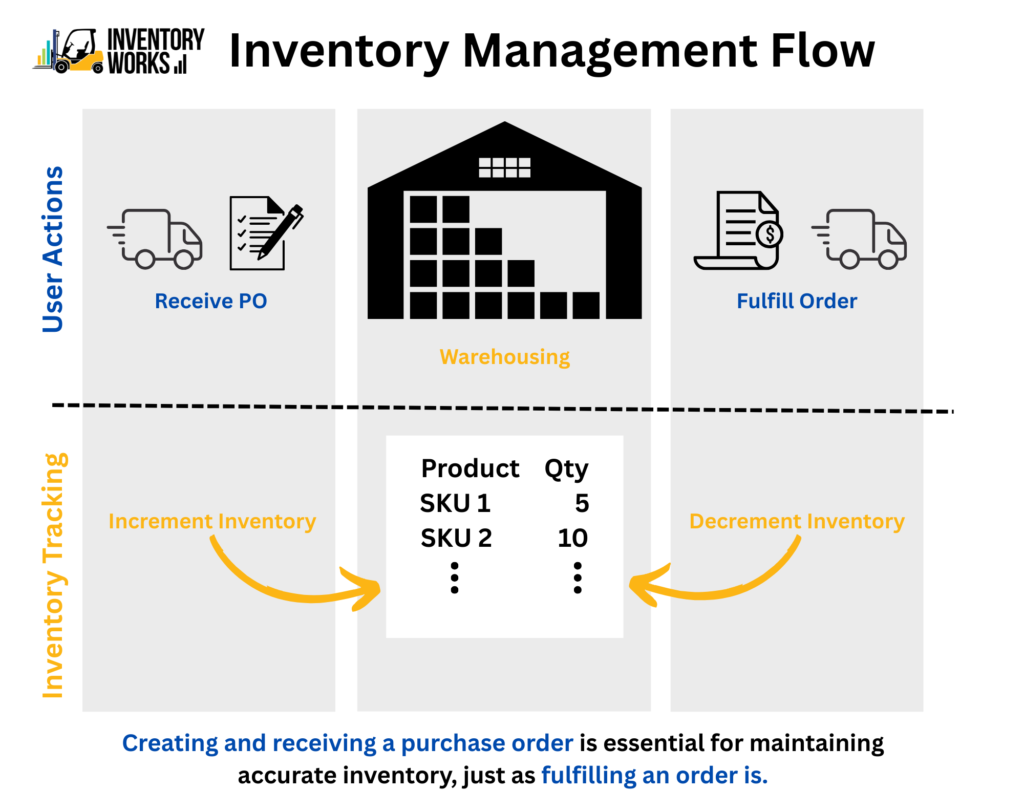


This may seem intuitive, but sometimes folks don’t realize how critical it is to perform certain actions to get accurate inventory counts. You’ve heard the saying, garbage in equals garbage out. The first action that affects inventory is receiving items into your warehouse. If you aren’t receiving inventory, your inventory quantities won’t accurately show what’s in the warehouse. In the Small Business Inventory Management app, this step is performed on the Purchase Order by receiving the individual line items or receiving all line at once. Inventory can also be added or removed by using the Inventory Adjustment feature. Typically, the process that decreases inventory is shipping product to customers. This is performed through the Order object when either the line items are marked as fulfilled or the entire order is fulfilled all at once. If you are struggling with inventory accuracies, check on these two critical processes to ensure they are being performed properly. For more info on how InventoryWorks can help you manage your inventory, check us out on the Salesforce AppExchange!